
UNOSCOOL · an app by Unoneto
A tutor built from your own textbooks
A pupil photographs a page of a textbook or exercise book and the app turns it into a personal tutor: it explains the material, builds flashcards and quizzes, and plans the revision for the test. It starts from what the pupil has uploaded and shows the textbook page with each answer.
Pupils create an account in a minute right in the app at unoscool.sk - the app is in Slovak.
How it works
From a photo of a page to a tutor of your own
One page is enough
The pupil photographs a page of a textbook or exercise book - or uploads a PDF or Word file. Pages can be added as you go, one today and more tomorrow; a whole book can take a month to assemble.
Text, chapters, flashcards
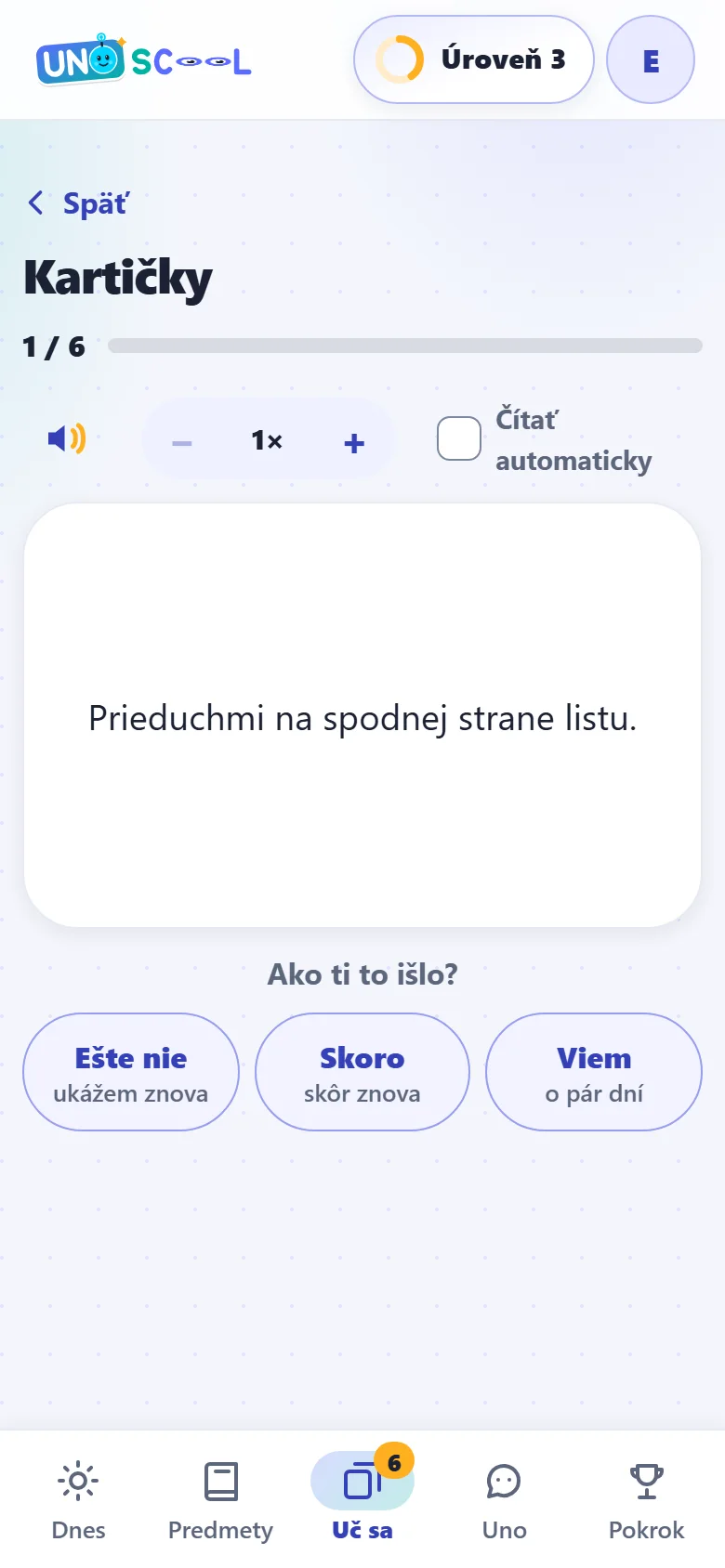
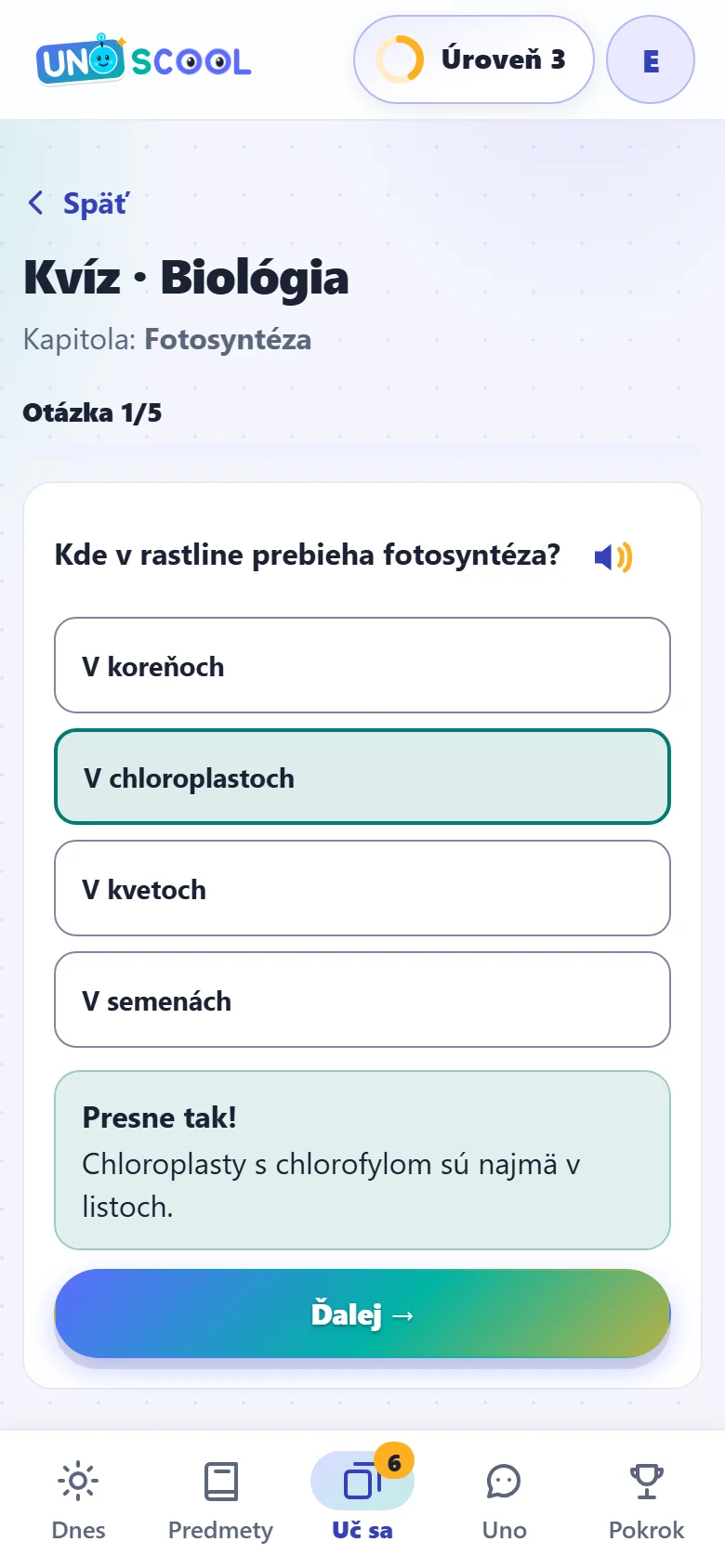
The app transcribes the text from the photo, splits it into chapters and turns it into flashcards and quizzes. Nothing has to be retyped by hand and nothing is sent off to the school.
Including a plan for the test
The tutor explains what the child does not understand and lets itself be questioned. Give it the date of the test and the app schedules the revision so it can be done without a night of cramming.
What’s new
An app that thinks ahead
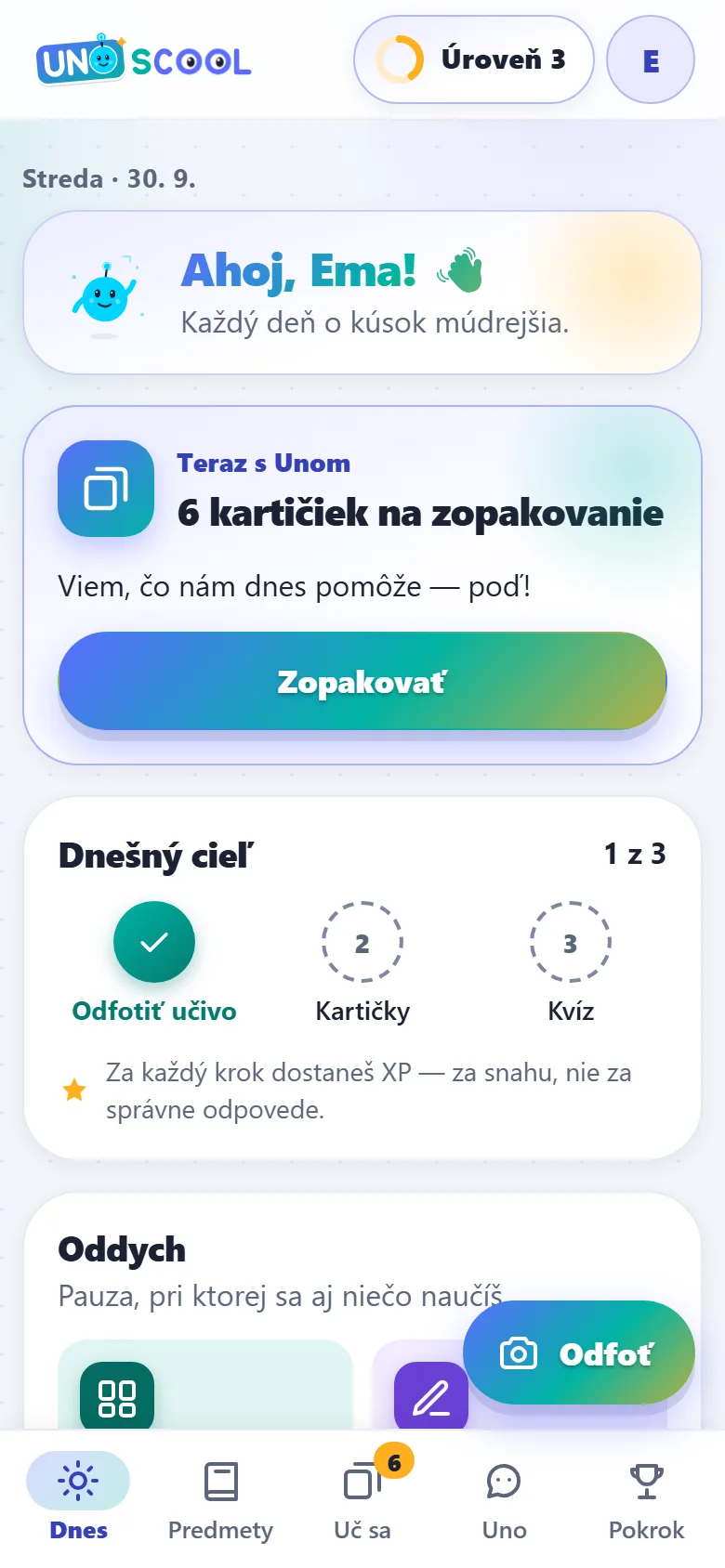
A buddy who suggests what to do today
The mascot Uno looks at the date, the timetable and the material and suggests what makes sense today. If an explanation does not land, it explains it another way - it remembers what they were just talking about.
Knows what is due tomorrow
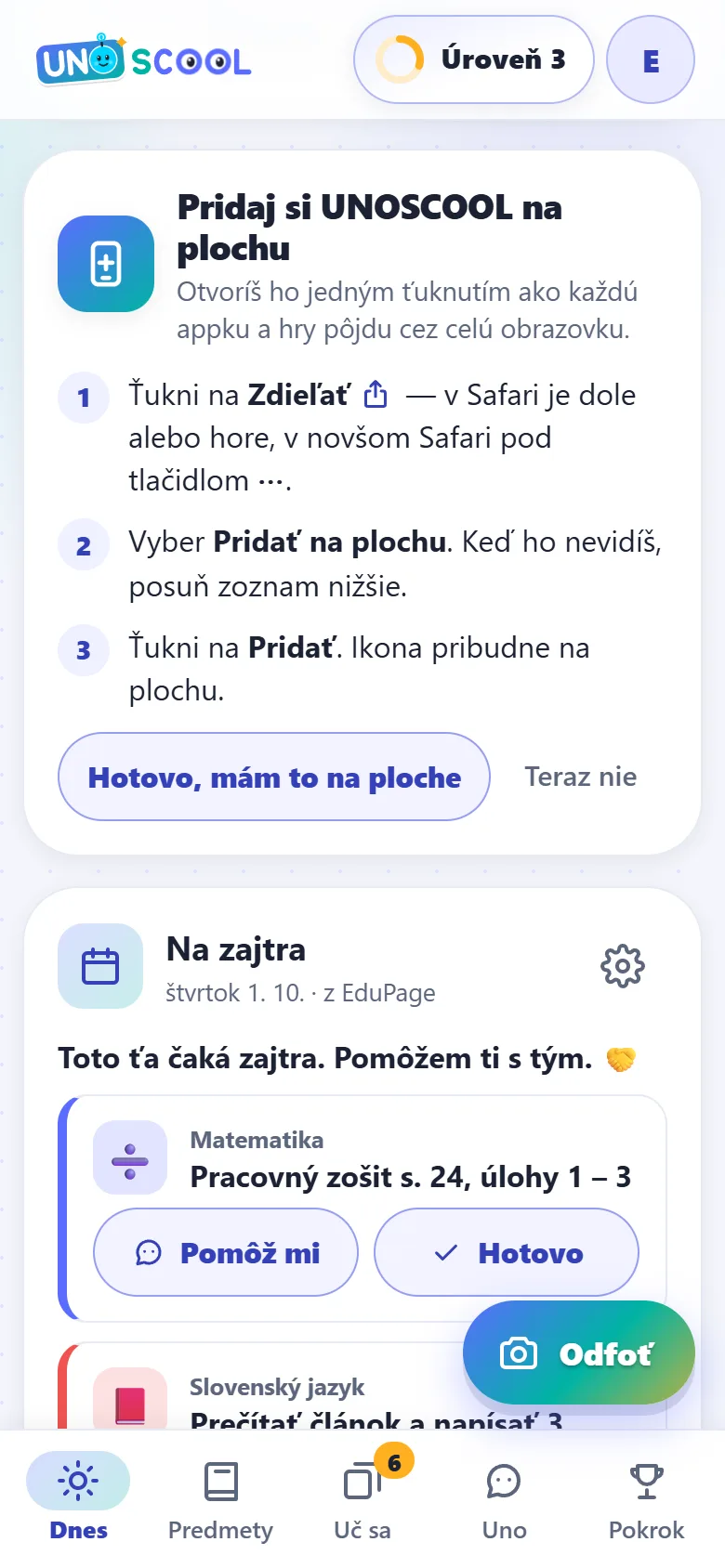
Once the pupil chooses to connect EduPage, the app loads homework, the timetable, tests and days off by itself, and sets up the school year and subjects at sign-up. It reads neither grades nor messages, and the login is stored encrypted.
Exactly the right page
The textbook is picked from the Slovak ministry of education list (1,711 titles for primary schools). The app also spots books in the homework and offers to photograph exactly the page that was set.
One tap
One button opens the camera straight away. A PDF is uploaded as a page range, at most 30 pages at a time, and pages with text are read without AI.
Games you cannot lose
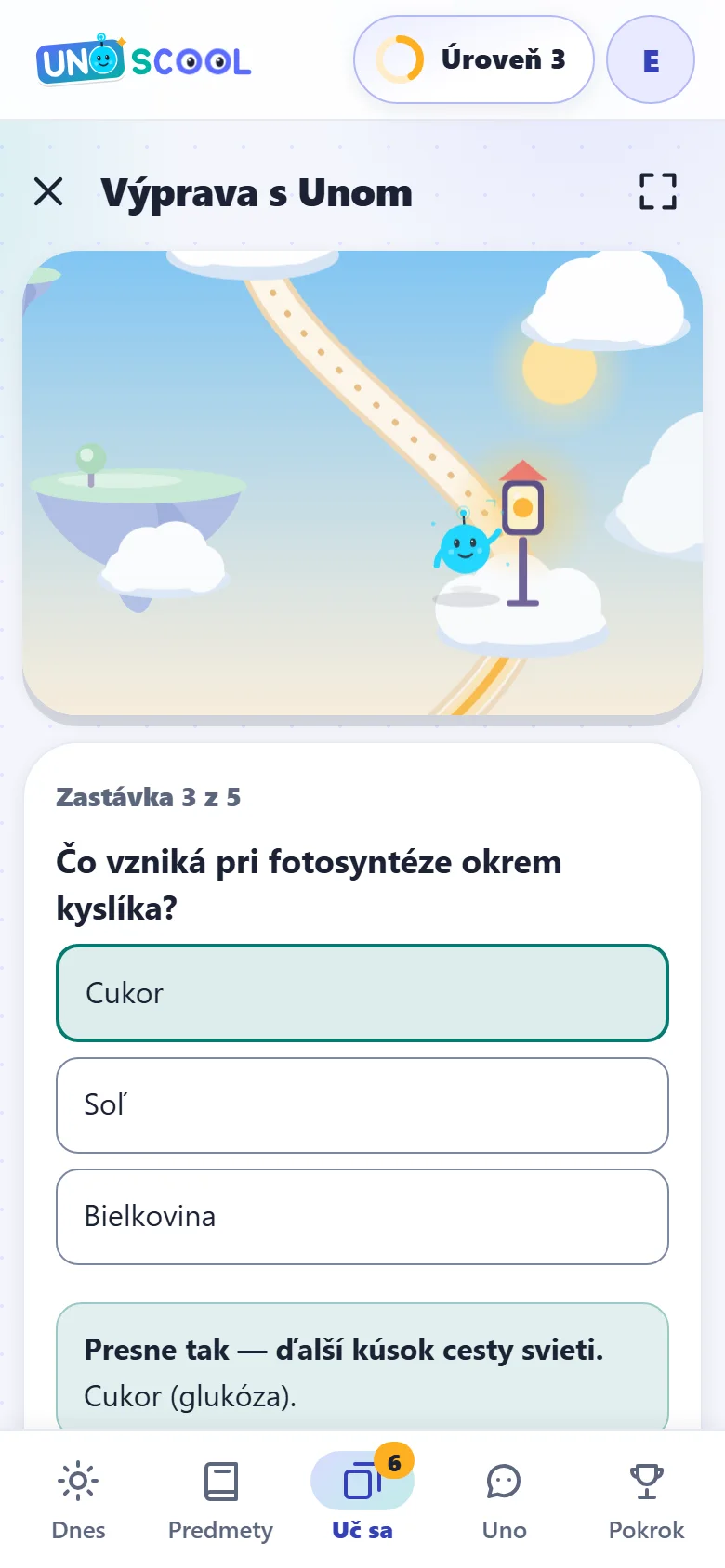
10+ games with no timer and no minus points - from SK ↔ EN memory to “Výprava s Unom” (Expedition with Uno), where every right answer lights a lantern in an illustrated world and the questions come from the pupil’s own material.
Uno reads aloud
The pupil can ask Uno a question into the microphone. Uno reads answers, notes and flashcards aloud in a natural Slovak voice, the speed is adjustable from 1× to 1.7×, and English is read by a native voice.
Testovanie 9 and entrance exams by grade
Fifth-graders prepare for eight-year grammar schools, eighth-graders for grammar schools with a bilingual section and ninth-graders for Testovanie 9 (the national test) and secondary school entrance exams. Sixth- and seventh-graders get an optional head-start challenge. Daily practice, mock tests and step-by-step explanations.
The grade 1 to 9 curriculum, no photos needed
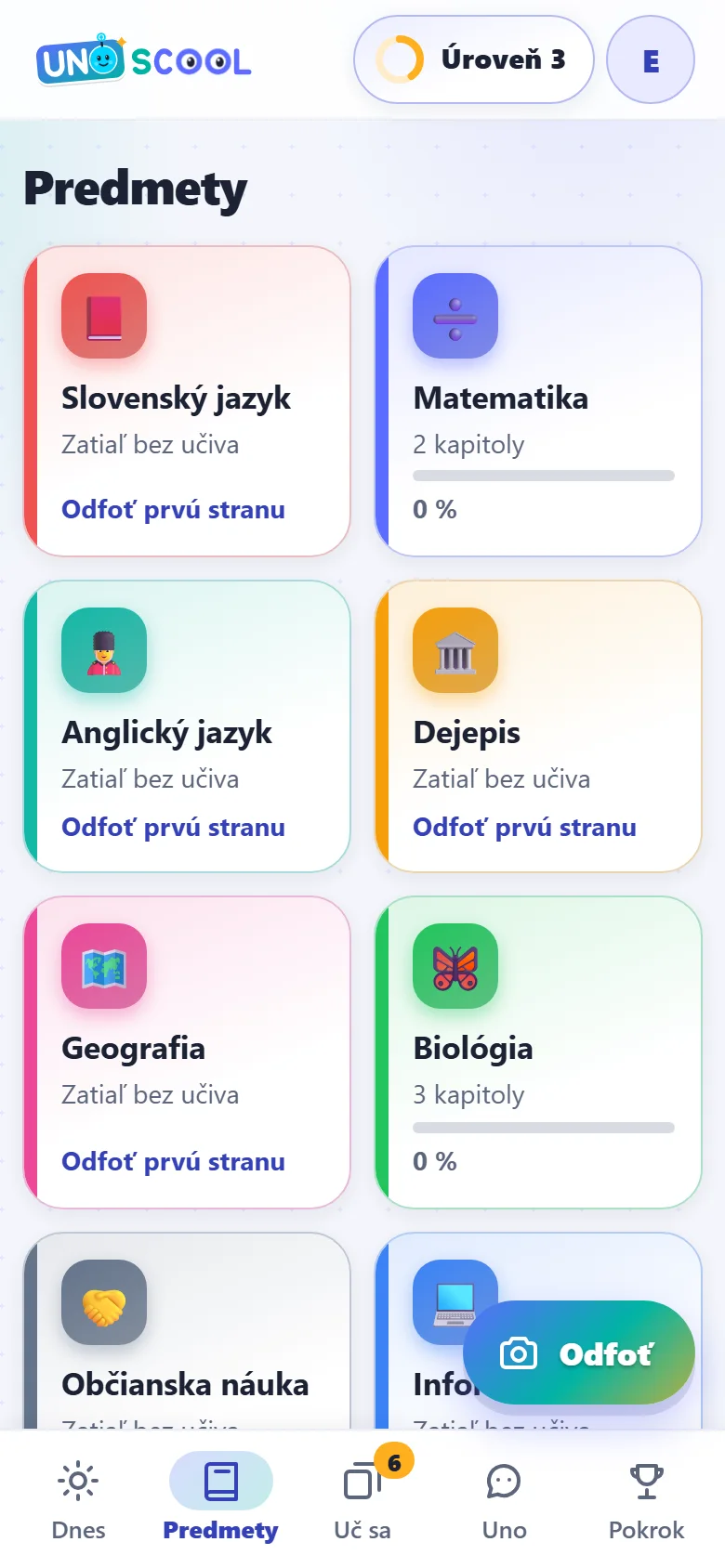
Notes based on the school curriculum for grades 1 to 9 - chapters, flashcards, quizzes, fun facts and myths. The app knows by grade which ones are the pupil’s; from grade 5 they cover all subjects except arts and PE.
Even on the bus
The grade’s notes save to the phone on their own and the Testovanie 9 practice is saved with one tap. Quizzes, games and practice then work without signal, and points are added once the phone is back online.
The app on the phone
On the home screen, without the App Store or Google Play
Opens with one tap
UNOSCOOL is added to the home screen of a phone, tablet or computer and opens like any other app - in its own window, without the address bar. Nothing is downloaded from an app store, and the app offers it to the pupil by itself.
Added in seconds
On Android the app shows a button to add it to the home screen, on a computer a button to install it. On iPhone and iPad it is added in Safari via Share → Add to Home Screen, and the app shows instructions in three taps.
A reminder of what is due tomorrow
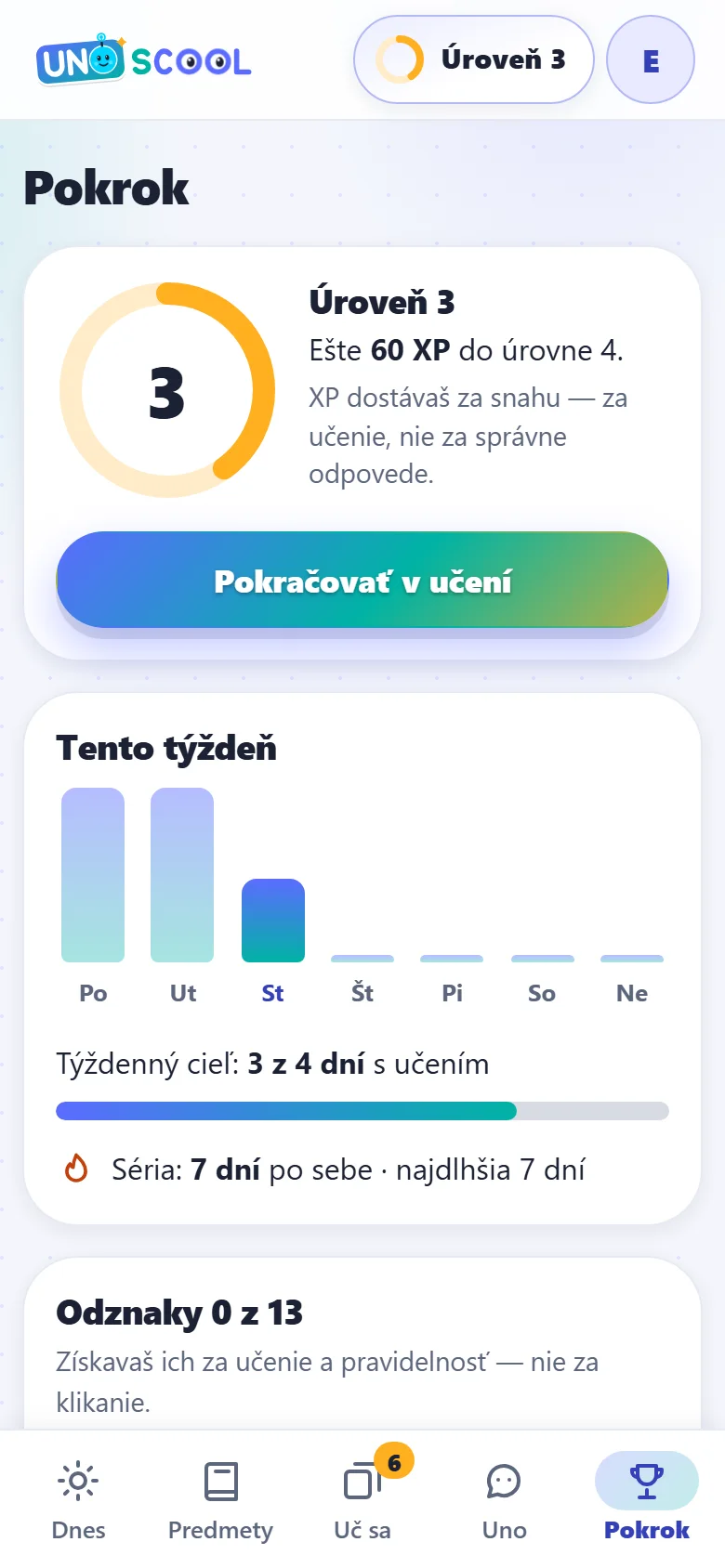
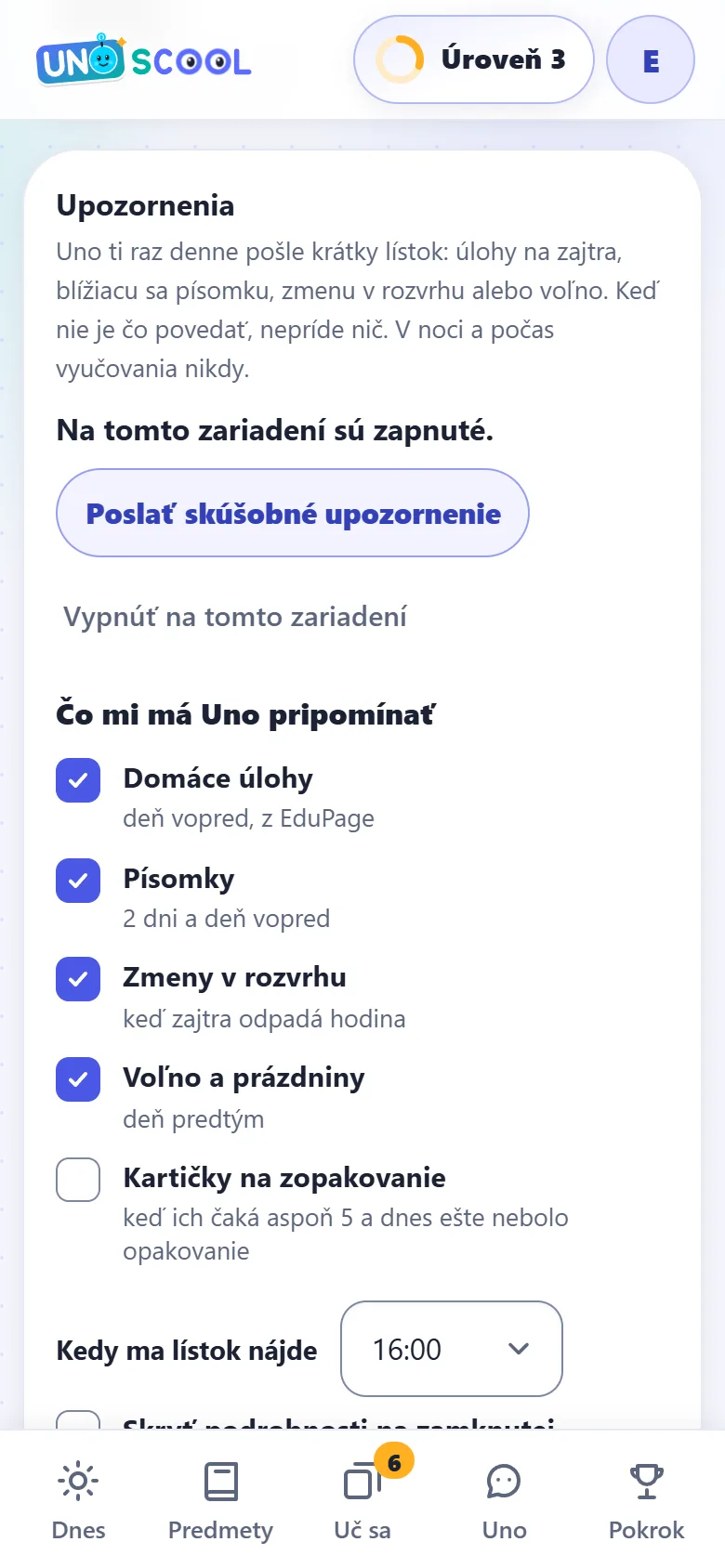
When the pupil turns it on, Uno sends at most one note a day, at a time the pupil chooses: homework due tomorrow from EduPage, an upcoming test, a timetable change or a day off. Nothing arrives at night or during lessons, and never anything about points or streaks.
Reminders are off by default and only the pupil can turn them on. On iPhone and iPad they arrive in the app added to the home screen (iOS 16.4 or later). When there is nothing to remind, nothing arrives.
What makes it different
The textbook first, everything else after
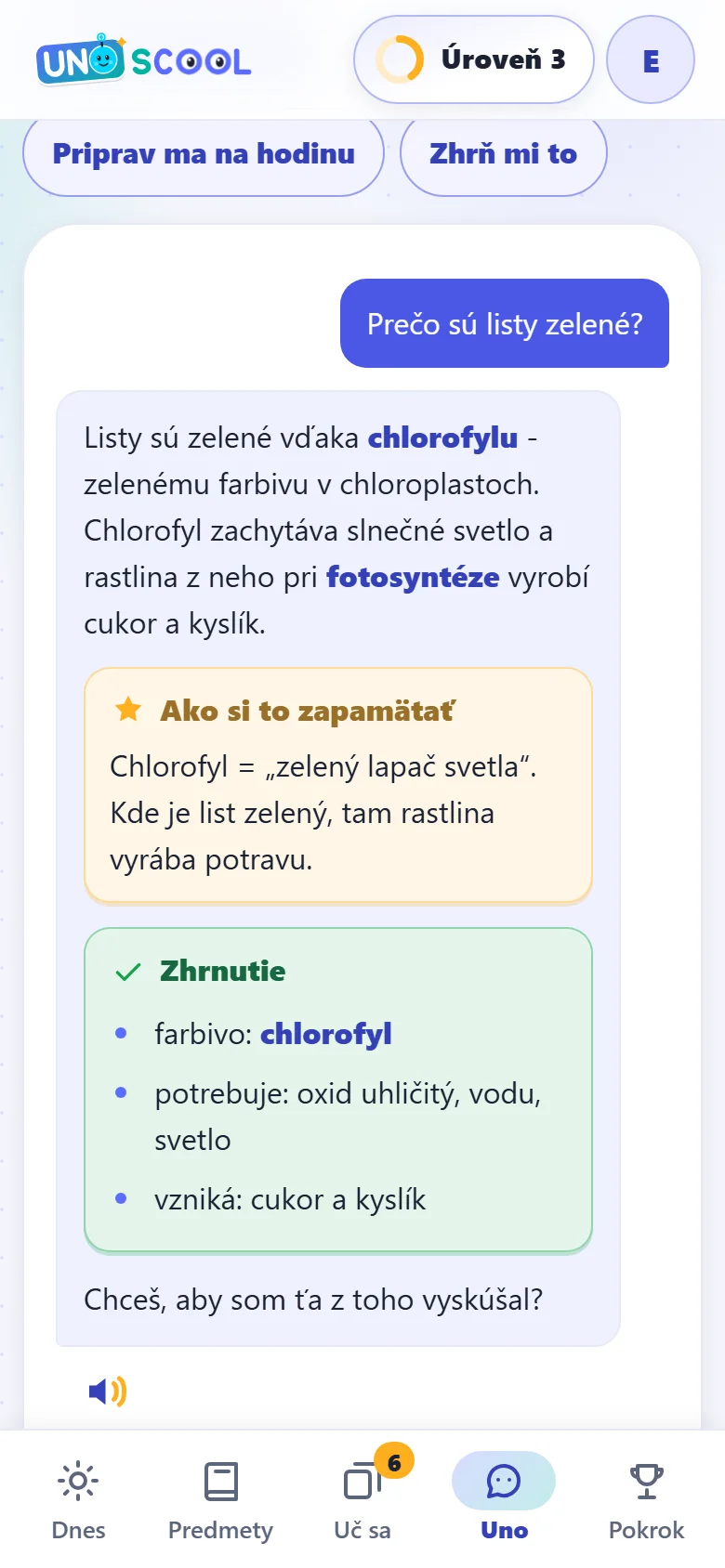
An ordinary chatbot will answer anything, and a child has no way of checking whether it matches what is taught at school. UNOSCOOL works the other way round: it starts from the materials the pupil uploaded, and when it explains something it says which page it came from. If the answer is not there, it says so and explains it from general knowledge - it checks a specific fact only on approved educational websites and shows the source under the answer.
The second difference is tone. The app is for children, so there is nothing punishing in it: no countdown clock, no mockery for a wrong answer. Points are given mainly for effort and are never taken away; a mistake is something to explain, not to grade. It runs in the browser and can be added to a phone home screen like an application.
Sign-up is open and everything without AI is free in the app. Feel free to write to us with questions about the app. The app interface is currently in Slovak.
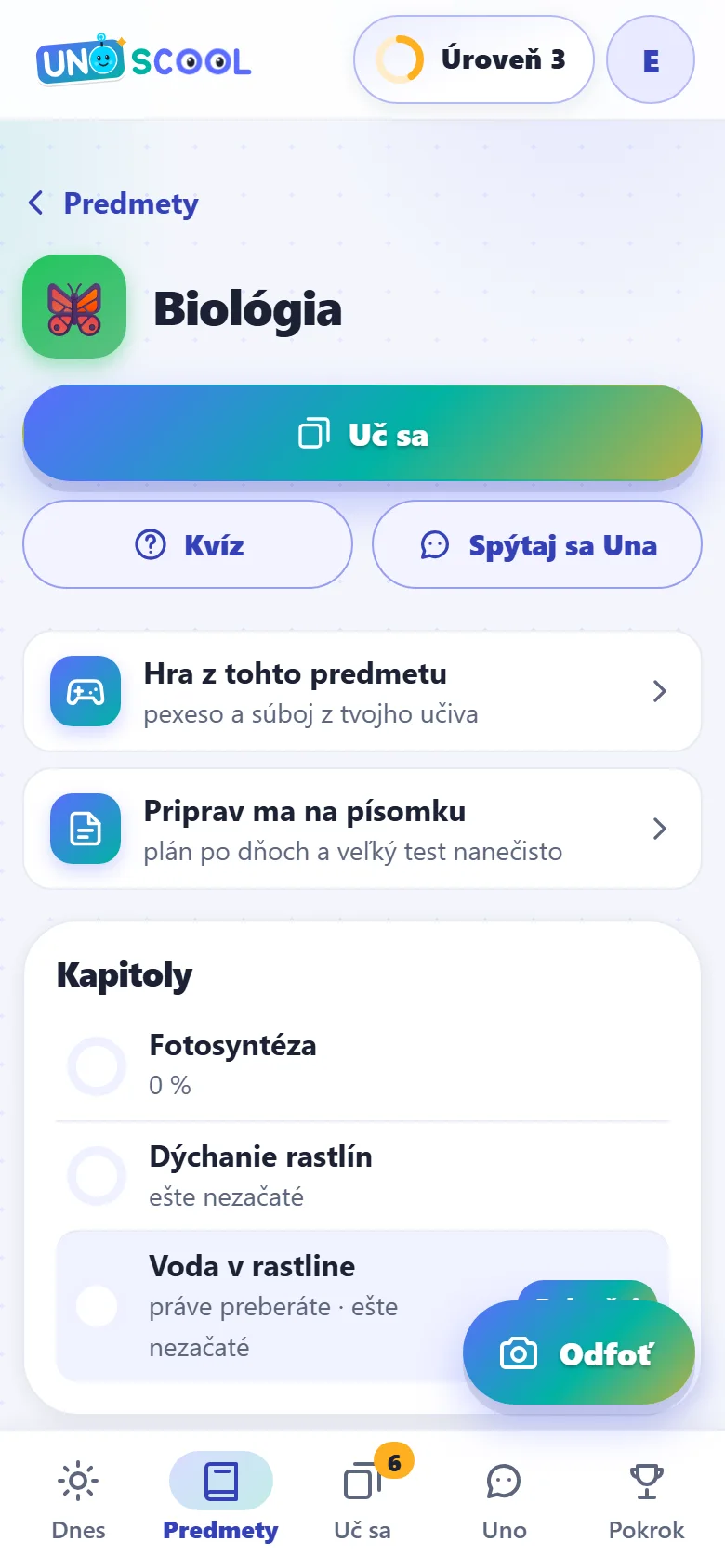
What it looks like
A few glimpses inside the app
Would you like a tool built around your company?
We built UNOSCOOL the same way we build tools for clients - including AI that sticks to your own materials. Free consultation: we go through what is eating your time and tell you what is worth building to order.
